RUVIDEO

Автор / Канал: Robotics channel Страница 12
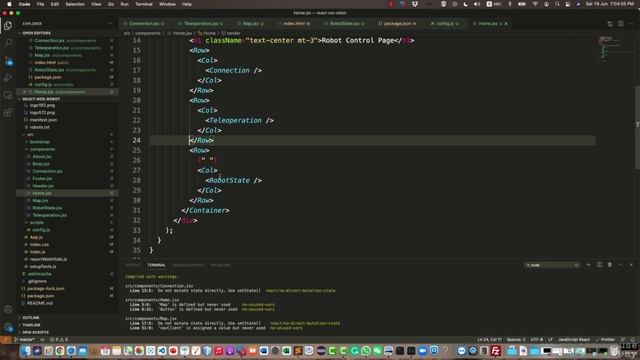
6.6. Improve the page layout смотреть онлайн

00:38

6.6. Improve the page layout

Robotics channel 1 просмотров
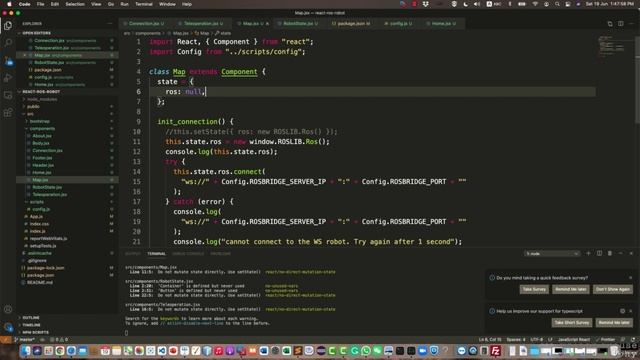
6.5. Visualize the map on the browser смотреть онлайн
06:50

6.5. Visualize the map on the browser

Robotics channel 1 просмотров
6.3. Initialize a ROS Connection in Map Component смотреть онлайн
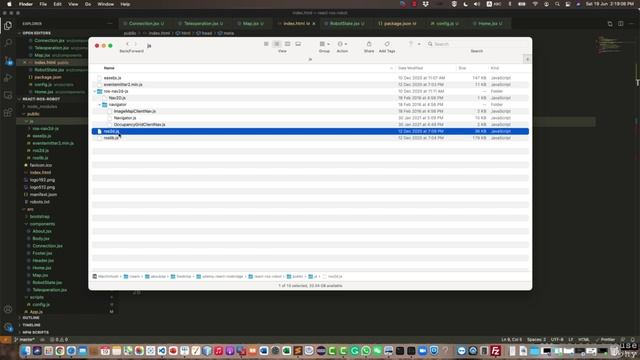
01:19

6.3. Initialize a ROS Connection in Map Component

Robotics channel 1 просмотров
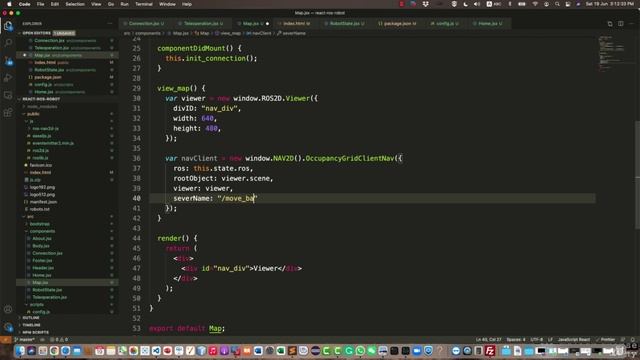
6.4. Importing Map and Navigation JS Libraries смотреть онлайн
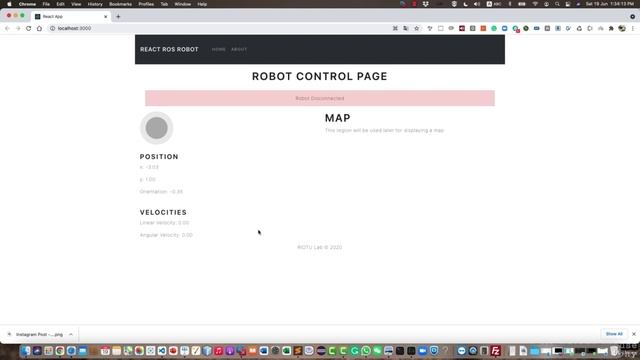
02:21

6.4. Importing Map and Navigation JS Libraries

Robotics channel 2 просмотров
6.2. Create a Map component смотреть онлайн
01:22

6.2. Create a Map component

Robotics channel 0 просмотров
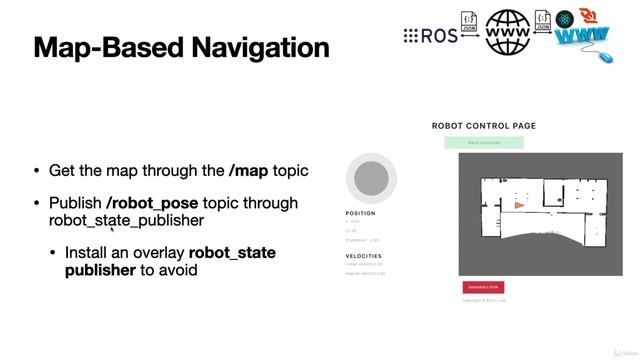
6.1. Overview смотреть онлайн
01:37

6.1. Overview

Robotics channel 0 просмотров
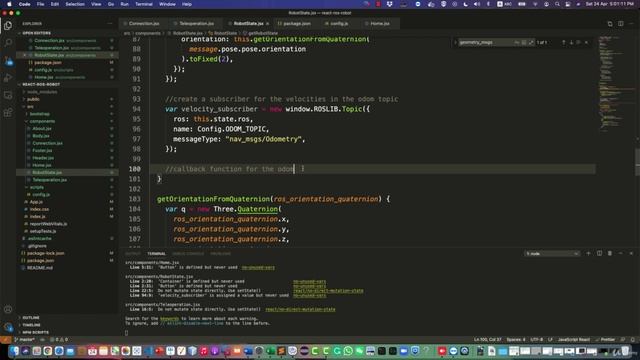
5.7. Create a subscriber for the velocities смотреть онлайн
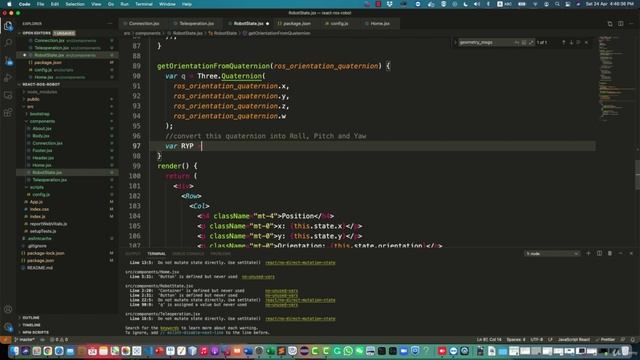
05:58

5.7. Create a subscriber for the velocities

Robotics channel 0 просмотров
5.6. Create a subscriber for the orientation смотреть онлайн
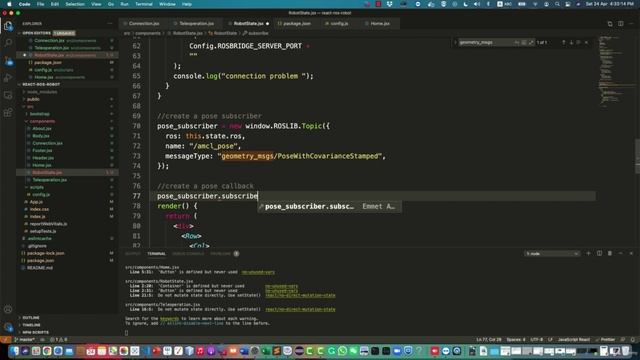
06:43

5.6. Create a subscriber for the orientation

Robotics channel 0 просмотров
5.5. Create A position subscriber and visualize position on the map смотреть онлайн
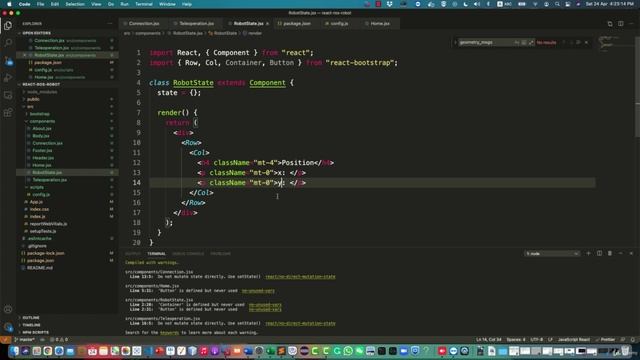
06:41

5.5. Create A position subscriber and visualize position on the map

Robotics channel 0 просмотров
5.4. Create the Robot State ReactJS Component смотреть онлайн
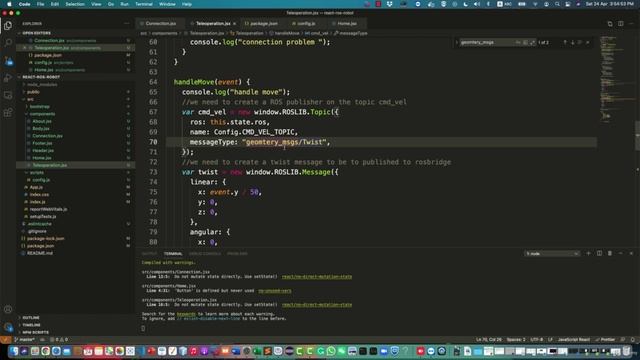
05:41

5.4. Create the Robot State ReactJS Component

Robotics channel 1 просмотров
5.3. Test Teleop with Turtlebot3 смотреть онлайн
03:58

5.3. Test Teleop with Turtlebot3

Robotics channel 1 просмотров
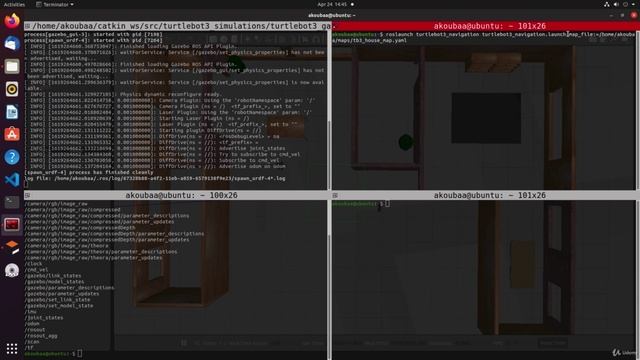
5.2. Setup the Turtlebot3 Simulator смотреть онлайн
02:42

5.2. Setup the Turtlebot3 Simulator

Robotics channel 1 просмотров
4.9. The HandleStop Method смотреть онлайн
01:57

4.9. The HandleStop Method

Robotics channel 0 просмотров
4.8. Setting the right velocities from the Joystick component throttle смотреть онлайн
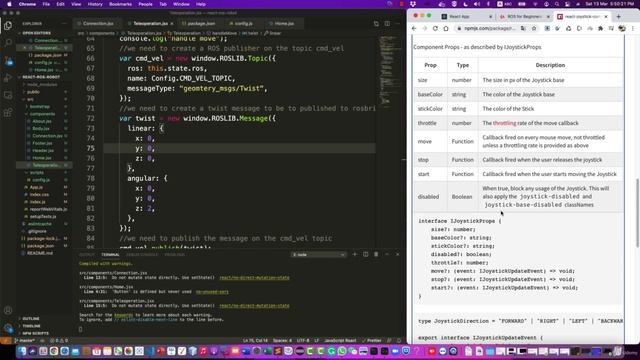
02:00

4.8. Setting the right velocities from the Joystick component throttle

Robotics channel 1 просмотров
4.7. The event property of the react joystick component смотреть онлайн
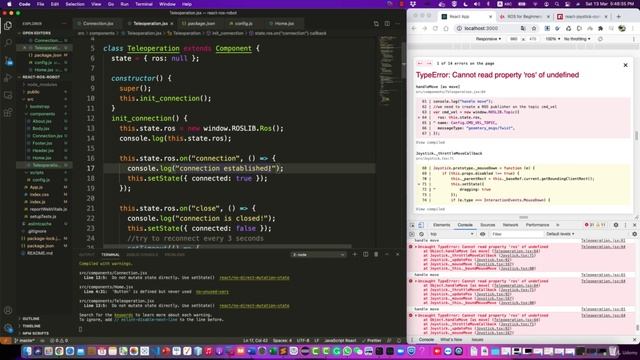
00:22

4.7. The event property of the react joystick component

Robotics channel 0 просмотров
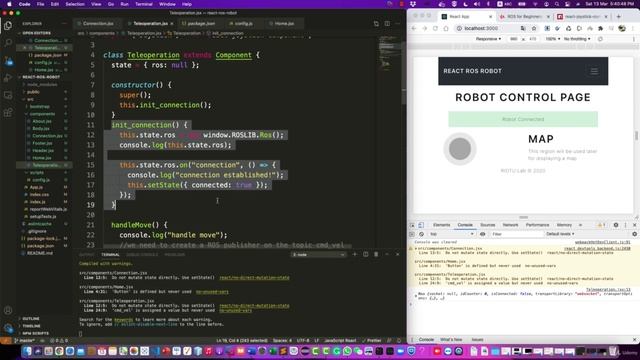
4.6. Create and publish a twist message using ROSLib смотреть онлайн
04:14

4.6. Create and publish a twist message using ROSLib

Robotics channel 0 просмотров
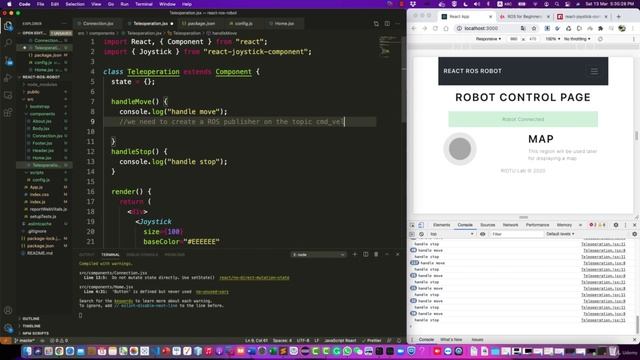
4.5. Create a cmd_vel publisher inside handleMove смотреть онлайн
04:00

4.5. Create a cmd_vel publisher inside handleMove

Robotics channel 0 просмотров
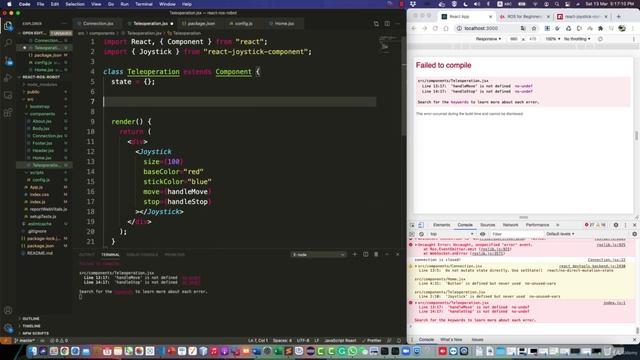
4.4. The structure of the handleMove method смотреть онлайн
01:15

4.4. The structure of the handleMove method

Robotics channel 1 просмотров
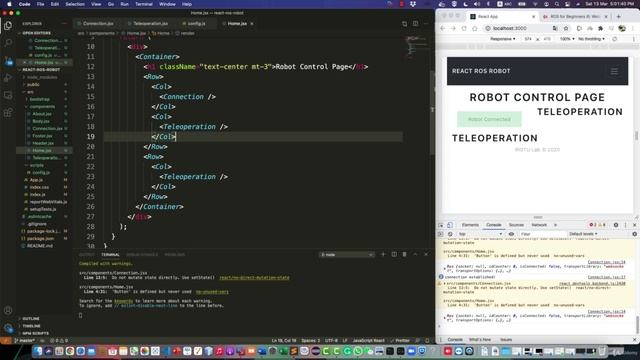
4.3. Develop the React Joystick Component смотреть онлайн
04:54

4.3. Develop the React Joystick Component

Robotics channel 1 просмотров
4.2. Arrange page layout using the React Grid structure смотреть онлайн
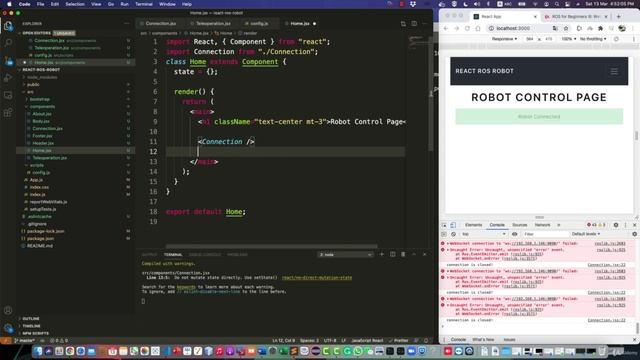
03:01

4.2. Arrange page layout using the React Grid structure

Robotics channel 1 просмотров
4.1. Create a Teleoperation Component смотреть онлайн
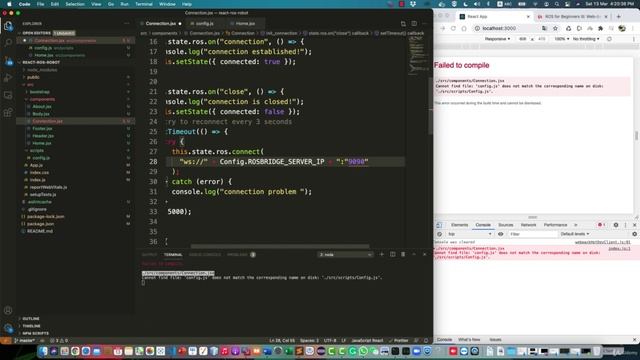
01:29

4.1. Create a Teleoperation Component

Robotics channel 1 просмотров
3.9. Clean code and use configuration file смотреть онлайн
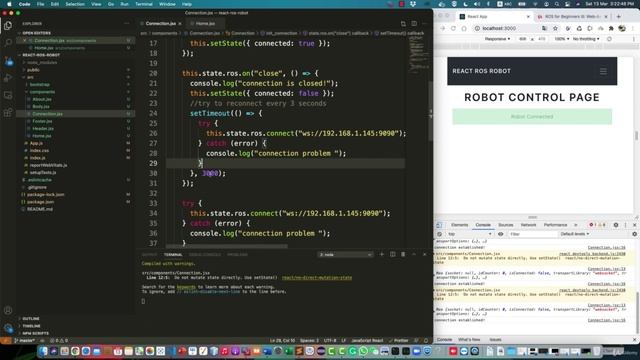
05:37

3.9. Clean code and use configuration file

Robotics channel 0 просмотров
3.8. Dealing with automatic reconnection смотреть онлайн
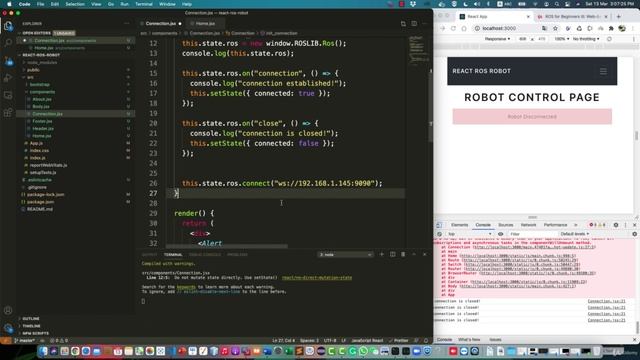
02:57

3.8. Dealing with automatic reconnection

Robotics channel 0 просмотров
3.7. Connect to ROSBridge смотреть онлайн
03:33

3.7. Connect to ROSBridge

Robotics channel 0 просмотров
Назад Вперед

За каждым успешным каналом стоит личность, идея и сотни часов кропотливого труда. Если вы здесь, значит, автор «Robotics channel» уже сумел зацепить ваше внимание своим уникальным стилем или подачей. А мы на RUVIDEO позаботились о том, чтобы вы могли изучить весь архив его работ в максимально комфортных условиях — без лишней суеты и преград.

Почему за работами канала «Robotics channel» так интересно наблюдать? Всё просто: это честный контент, который находит отклик в сердцах зрителей. На нашем ресурсе вы можете смотреть онлайн все видео любимого автора бесплатно и в хорошем качестве. Нам важно, чтобы вы видели каждую деталь и слышали каждый нюанс, поэтому мы используем только стабильные плееры из открытых источников Rutube.

Следите за новинками канала, пересматривайте старые шедевры и открывайте для себя новые грани творчества «Robotics channel». Мы постоянно обновляем ленту, чтобы у вас под рукой всегда были самые свежие выпуски. Никаких сложных регистраций — только вы и творчество, которое вдохновляет. Приятного вам путешествия по миру авторского контента на RUVIDEO!

Видео взято из открытых источников Rutube. Если вы правообладатель, обратитесь к первоисточнику.